Freelancer Focus
How to Create a Boutique Firm Account on Flexing It: A Step-by-Step Guide
Written by: Flexing It
14/02/2025
2 minutes read
![eye]() 76
76
![share]() 0shares
0shares
Flexing It provides SMEs with access to high-quality projects from 3000+ clients.
Follow this step-by-step guide to create your account in minutes!
Step 1: Visit the Flexing It Website
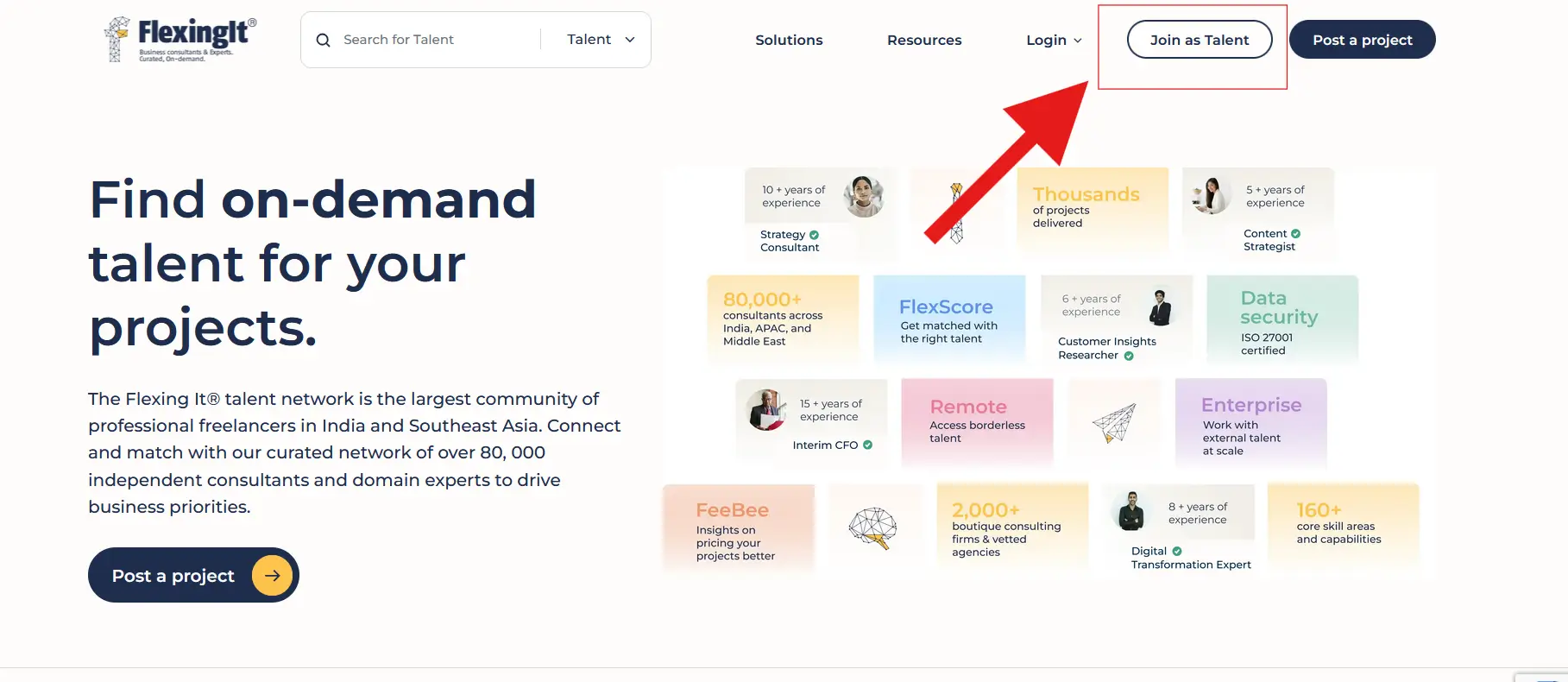
Go to www.flexingit.com and click on Join as Talent in the top-right corner.
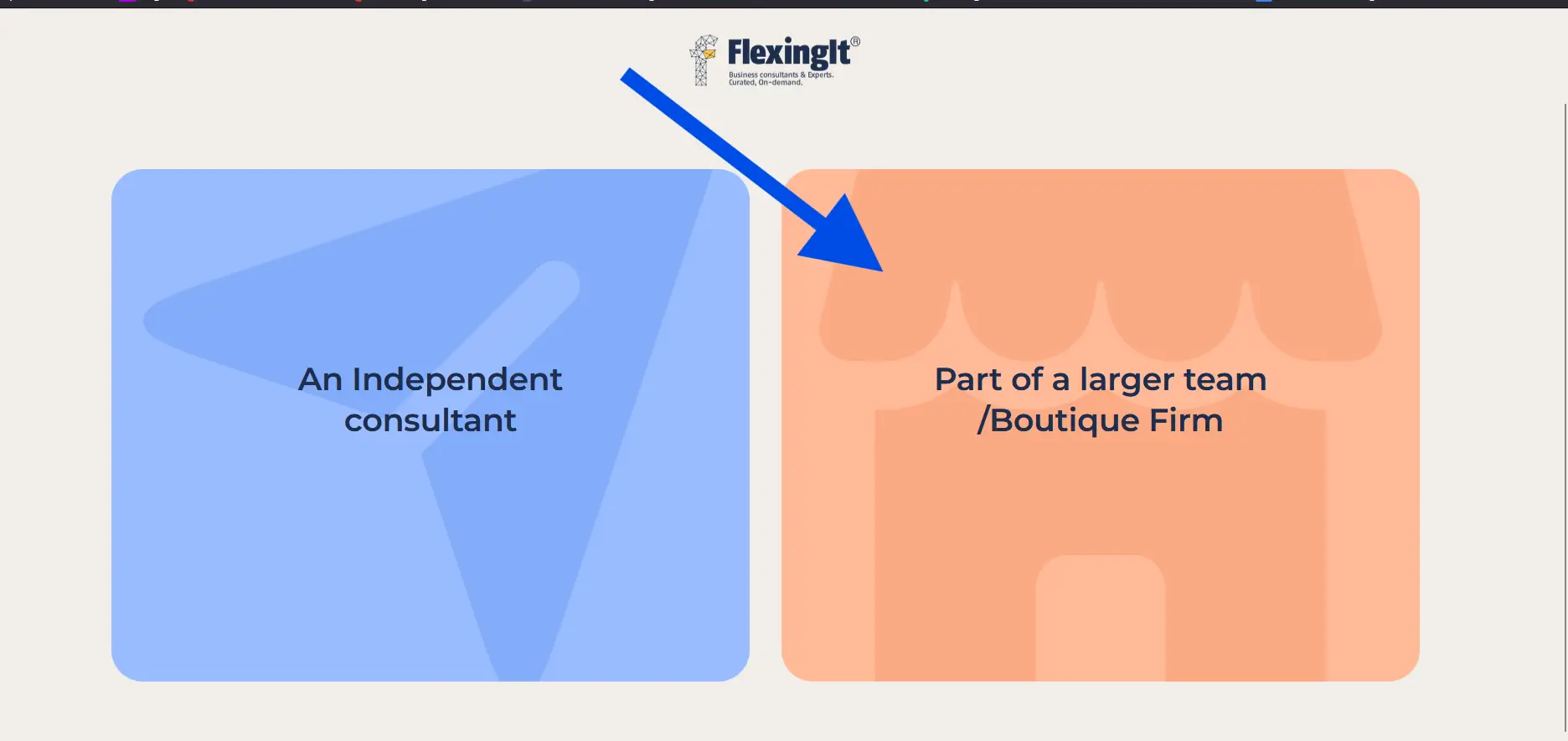
Step 2: Choose ‘Part of a Boutique Firm’ as your account type
When prompted, select ‘Part of a larger team/ Boutique Firm’ to create an SME account. This ensures you have access to tools and features designed for businesses looking to hire consultants.
Step 3: Enter Company Details
Enter the details of the primary point of contact for your account:
- Full Name
- Work Email Address
Alternatively, you can choose to sign up via Google or Linkedin.
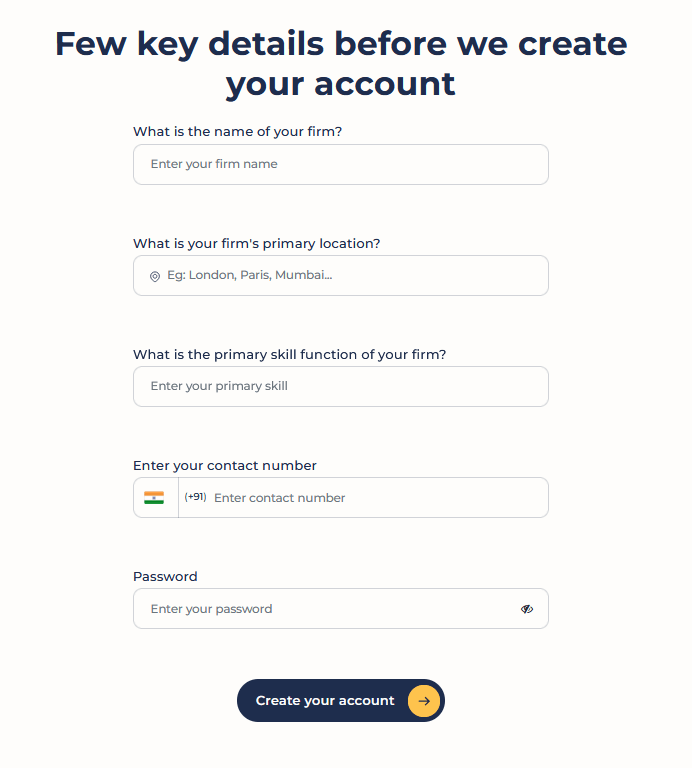
Step 4: Provide Contact Information
- Full Name: The primary point of contact for your account:
- Primary Location
- Primary Skill function
- Phone Number
Step 5: Set Up a Secure Password
Create a strong password for your account and ensure it meets security requirements.
Step 6: Verify Your Email
After submitting the form, check your email inbox for a verification OTP from Flexing It. Enter it to activate your account.
Step 7: Complete Your Company Profile
Once logged in, set up your profile by adding:
- Your company’s description
- Past projects
- Links to your folio and more


 `
`  76
76
 0shares